There was an issue with saving this content. Please try again.
There was an issue with removing this item from your saved content. Please try again.
ADS Circuit Simulation and Layout
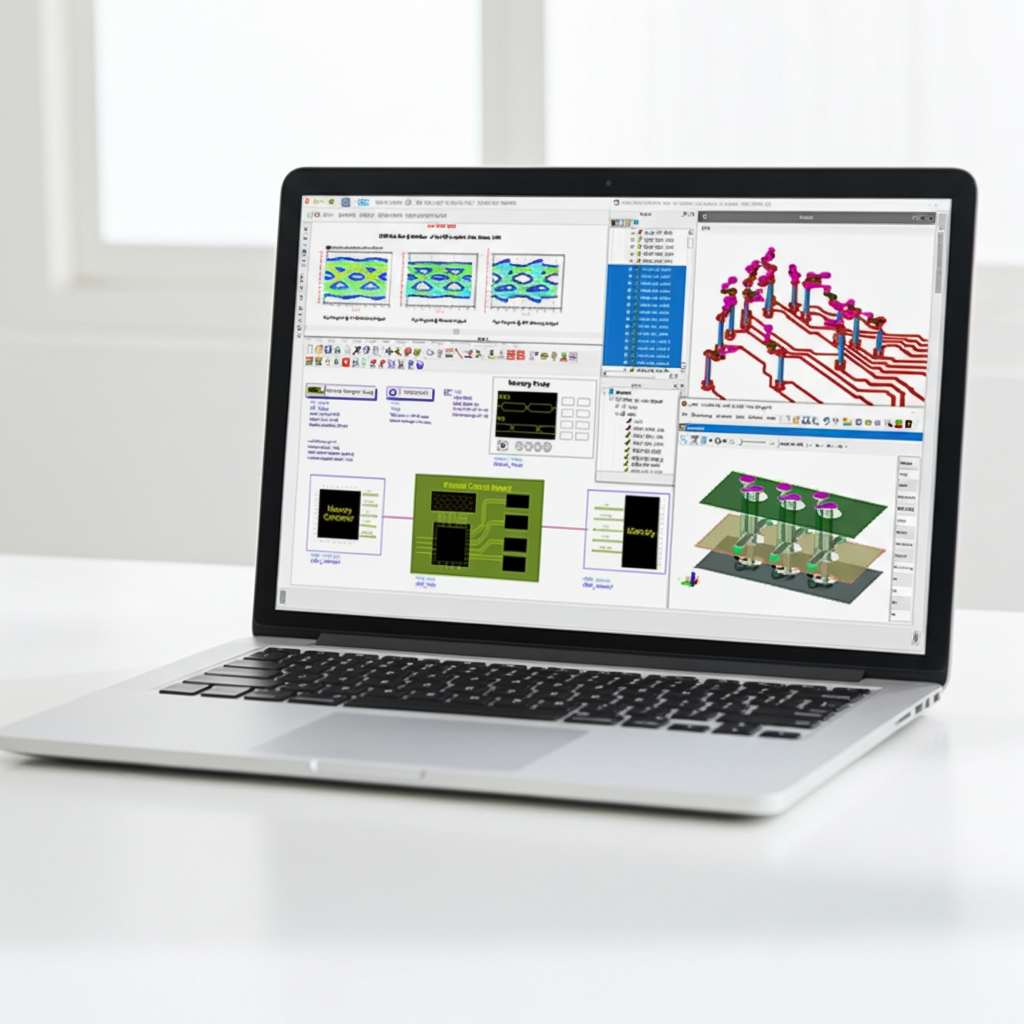
Learn the fundamentals of creating workspaces, schematics, data display and layouts, performing S-parameter and Transient analysis.
About this course
+ Learning Objectives
- ADS Architecture, Creating and Simulating Schematics
- Workspaces, libraries, cells, views
- Component palettes, simulation controllers, data display
- Lab 1: Simulate circuit and display data, create ten-stage LC ladder network using a subcircuit, add losses to the LC transmission line model, simulate a distributed microstrip line.
- Transient Analysis
- Lab 2: Setup transient simulation, compare Dispersive (Non-TEM) to Non-Dispersive (TEM) transmission lines, discontinuities in signal interconnects.
- Connectivity and Layout Basics
- Working with design kits, path/trace routing and editing
- Snap modes, shapes vs components, placement and editing, technology files
- Lab 3: Standard ADS layer definition, basic layout manipulation, creating custom layers, basic routing and editing Interconnects, non-orthogonal Interconnects.
+ Content Types
- Video Lessons
- Hands-on Labs
- Knowledge Check
+ Who should take this course?
+ Certificate of Completion
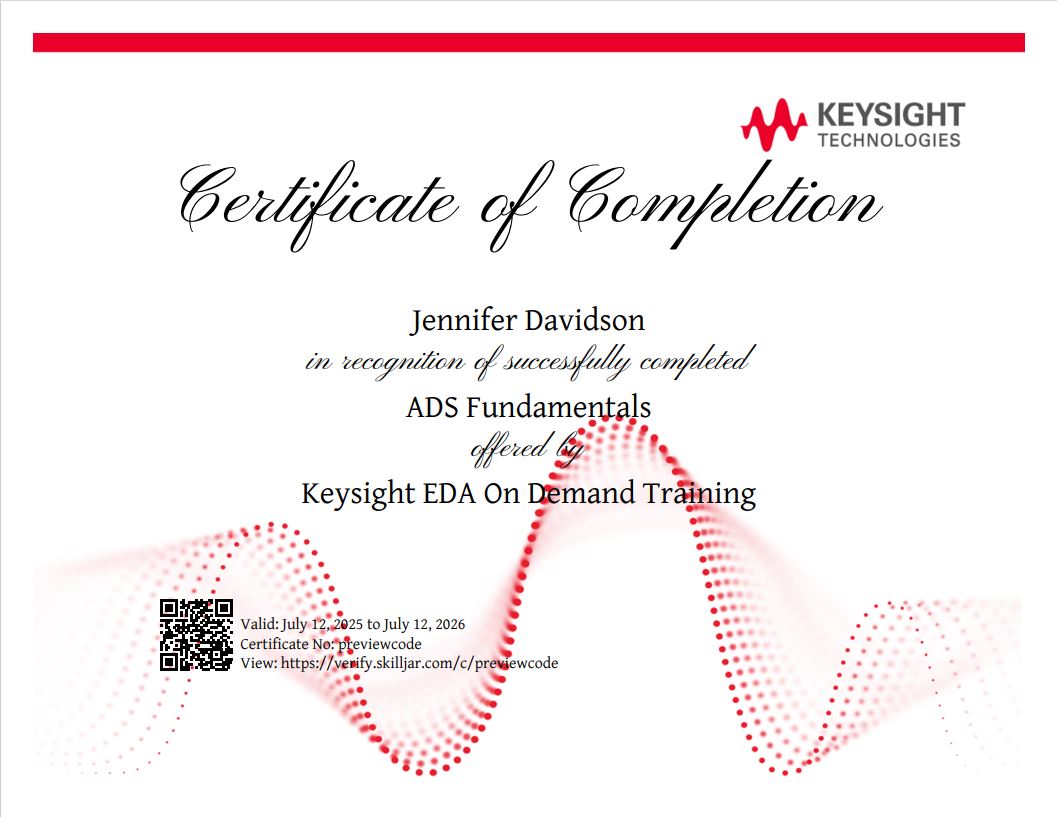
- Showcase on your LinkedIn profile under the "Licenses and Certificates" section
- Download or print out as PDF to share with others
- Share as image online to demonstrate your skill
Curriculum8 hr 4 min
-
Introduction to ADS Architecture
-
ADS Architecture 0 hr 20 min
-
Knowledge Check 0 hr 5 min
-
S-Parameter Analysis
-
Schematics and Components 0 hr 12 min
-
Setup and Run Simulation 0 hr 4 min
-
-
Parameter Sweep 0 hr 2 min
-
-
Lab 1: S-Parameter Analysis 1 hr 30 min
-
Knowledge Check 0 hr 5 min
-
Transient Analysis
-
Transient Simulators 0 hr 6 min
-
Frequency Spectrum 0 hr 10 min
-
Impact of Band-Limited S-Parameter Data
-
Understanding Kramers-Kronig Relation
-
Lab 2: Transient Analysis 1 hr 30 min
-
Knowledge Check 0 hr 5 min
-
Connectivity Design
-
-
Physical and Nodal Connectivity 0 hr 4 min
-
Layout Basics
-
-
Select Filters 0 hr 2 min
-
-
Technology Files 0 hr 4 min
-
Working with Design Kits 0 hr 4 min
-
Lab 3: Using ADS Layout 3 hr 0 min
-
Knowledge Check 0 hr 5 min
-
Summary and Next Step
-
About this course
+ Learning Objectives
- ADS Architecture, Creating and Simulating Schematics
- Workspaces, libraries, cells, views
- Component palettes, simulation controllers, data display
- Lab 1: Simulate circuit and display data, create ten-stage LC ladder network using a subcircuit, add losses to the LC transmission line model, simulate a distributed microstrip line.
- Transient Analysis
- Lab 2: Setup transient simulation, compare Dispersive (Non-TEM) to Non-Dispersive (TEM) transmission lines, discontinuities in signal interconnects.
- Connectivity and Layout Basics
- Working with design kits, path/trace routing and editing
- Snap modes, shapes vs components, placement and editing, technology files
- Lab 3: Standard ADS layer definition, basic layout manipulation, creating custom layers, basic routing and editing Interconnects, non-orthogonal Interconnects.
+ Content Types
- Video Lessons
- Hands-on Labs
- Knowledge Check
+ Who should take this course?
+ Certificate of Completion
- Showcase on your LinkedIn profile under the "Licenses and Certificates" section
- Download or print out as PDF to share with others
- Share as image online to demonstrate your skill
Curriculum8 hr 4 min
-
Introduction to ADS Architecture
-
ADS Architecture 0 hr 20 min
-
Knowledge Check 0 hr 5 min
-
S-Parameter Analysis
-
Schematics and Components 0 hr 12 min
-
Setup and Run Simulation 0 hr 4 min
-
-
Parameter Sweep 0 hr 2 min
-
-
Lab 1: S-Parameter Analysis 1 hr 30 min
-
Knowledge Check 0 hr 5 min
-
Transient Analysis
-
Transient Simulators 0 hr 6 min
-
Frequency Spectrum 0 hr 10 min
-
Impact of Band-Limited S-Parameter Data
-
Understanding Kramers-Kronig Relation
-
Lab 2: Transient Analysis 1 hr 30 min
-
Knowledge Check 0 hr 5 min
-
Connectivity Design
-
-
Physical and Nodal Connectivity 0 hr 4 min
-
Layout Basics
-
-
Select Filters 0 hr 2 min
-
-
Technology Files 0 hr 4 min
-
Working with Design Kits 0 hr 4 min
-
Lab 3: Using ADS Layout 3 hr 0 min
-
Knowledge Check 0 hr 5 min
-
Summary and Next Step
-