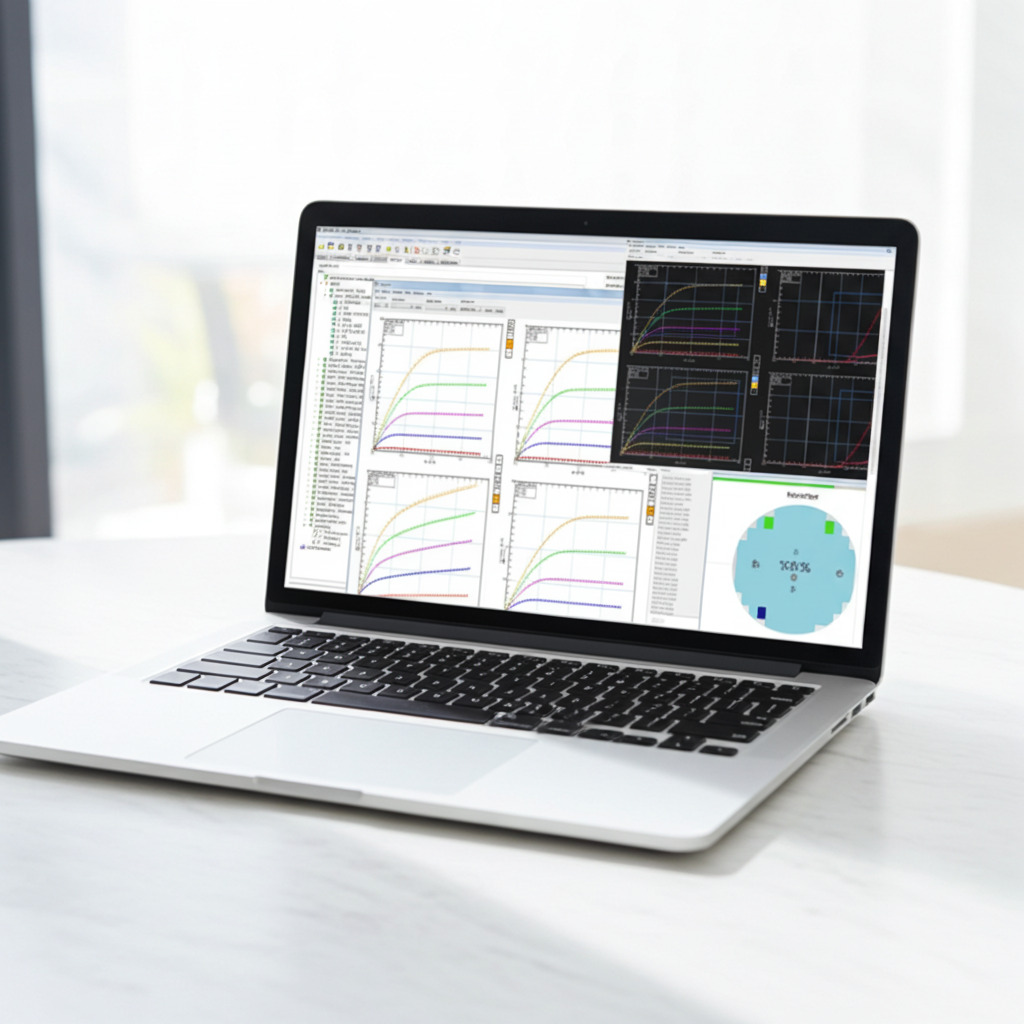
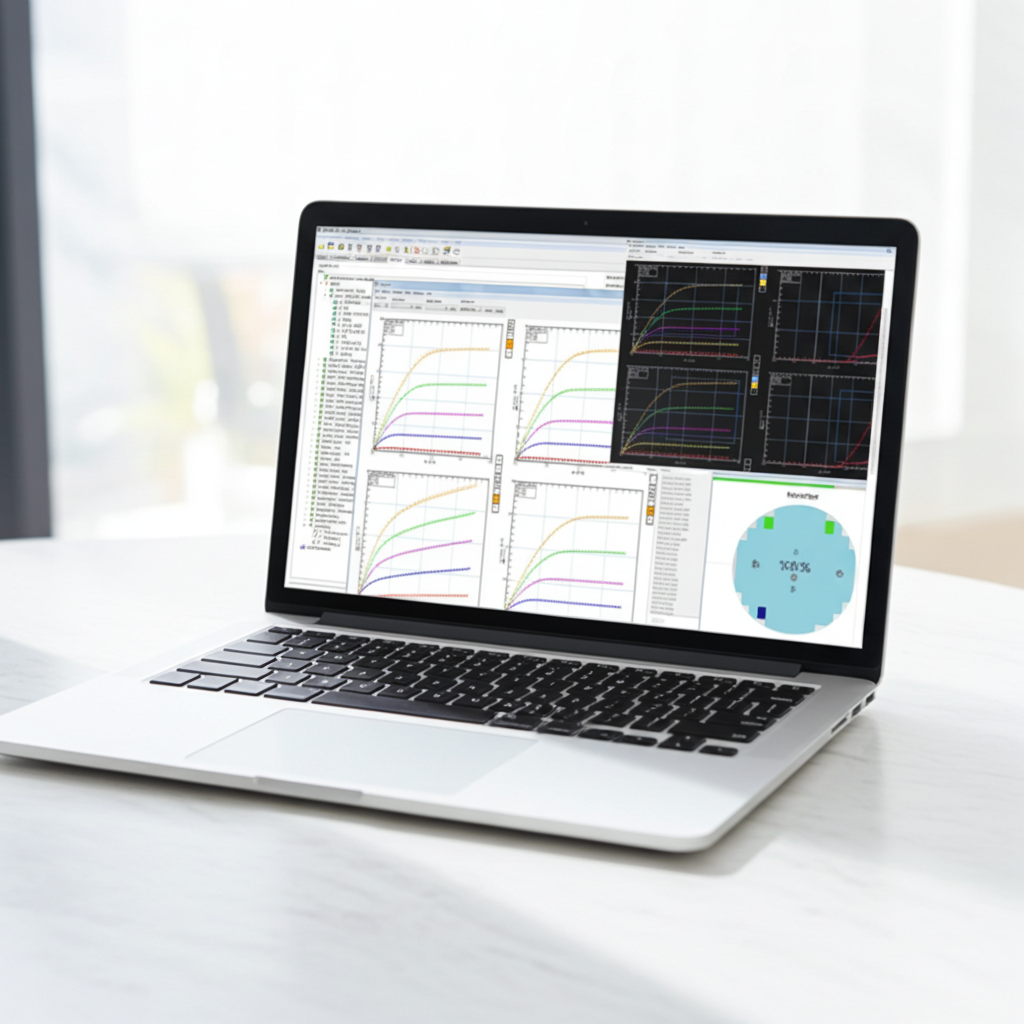
Lab: Intro to IC-CAP UI and Basic Operations
This lab covers creating and understanding the IC-CAP Model, DUT, and Setup hierarchy, performing basic modeling operations like defining data inputs and outputs, exploring useful UI features, and saving a Model file.
FREE
1 hr 30 min
auto-registration
Hands on lab
Lab: Define a Circuit and Run Simulations
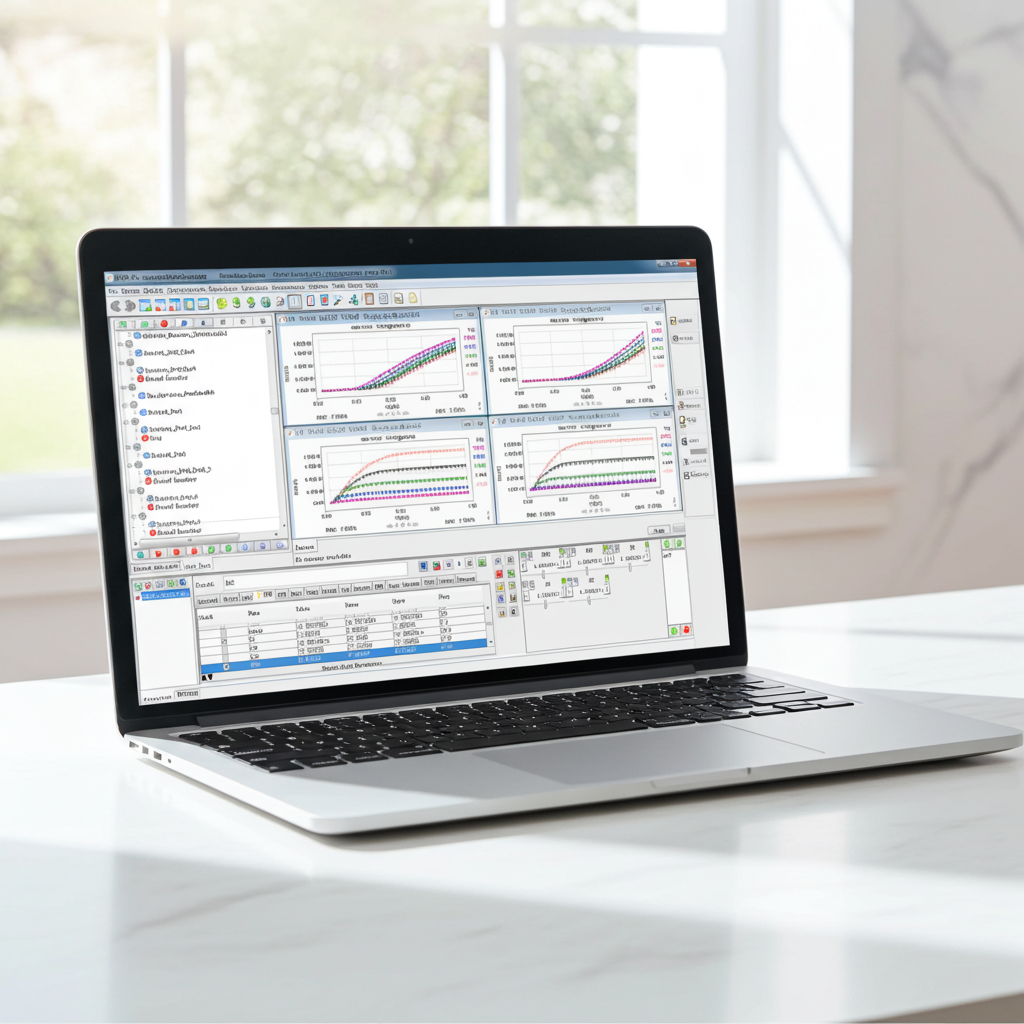
You will learn to build a model circuit, select a simulator, and run simulations. You will also plot data, modify parameters to see their impact, and use the Simulation Debugger.
FREE
1 hr 30 min
auto-registration
Hands on lab
Lab: Extract, Optimize and Tune
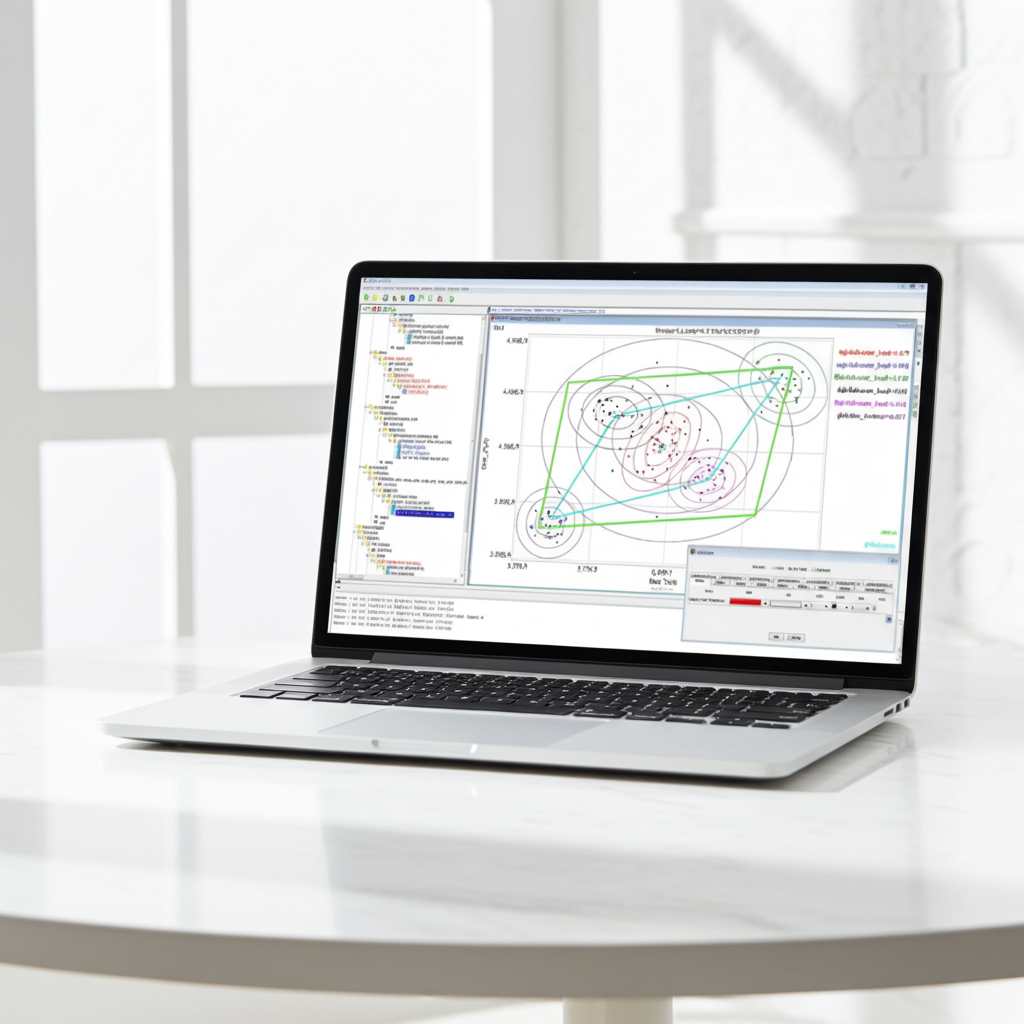
Learn to create PEL extraction functions, observe their effects on model parameters, and define optimizations. You will also use Tuners and the Plot Optimizer to improve model fit.
FREE
2 hr 0 min
auto-registration
Hands on lab
Lab: Diode Model with Verilog-A
Learn to customize an IC-CAP diode circuit with a Verilog-A model, locate simulation files, and run optimizations. You will also cover HSPICE and Spectre commands for Verilog-A models.
FREE
1 hr 0 min
auto-registration
Hands on lab
Lab: Python Basic
Learn to create Python programs, configure Editor Options, and manage namespaces. You will also cover Python fundamentals—types, strings, lists, functions, and loops—and import data from a CSV file.
FREE
1 hr 30 min
auto-registration
Hands on lab
Lab: Create Modeling Flow and Custom Module
Learn to create core IC-CAP elements—including Models, DUTs, Setups, Macros, Inputs, Outputs, Transforms, Variables, and Plots—and build custom Python modules.
FREE
1 hr 30 min
auto-registration
Hands on lab
Lab: IC-CAP Studio Features and Creating Custom GUIs
This lab walks you through the entire process of creating custom GUIs in IC-CAP Studio. You will learn to configure GUI Page tabs, walk through the gui_tutorial, and build a custom GUI step by step. Additionally, you will explore advanced options using template examples.
FREE
2 hr 30 min
auto-registration
Hands on lab
Lab: MBP GUI Operations
This lab introduces the fundamental operations of the MBP GUI. You will explore the user interface, practice core tasks (loading, exporting, saving, and managing projects), and learn how to run simulations and optimizations.
FREE
2 hr 0 min
auto-registration
Hands on lab
Lab: IMV Targets and Scaling Plots
This lab introduces the use of figures of merit (FOMs) in MBP. Specifically, you will learn how to configure and plot data using both Internal Model Variables (IMV) and Data Processing (DP). We will begin by reviewing MBP’s default IMV settings and built-in targets in the IMV Pages panel. Then, we will walk through creating custom IMV targets and conclude with a practical application of DP data.
FREE
2 hr 30 min
auto-registration
Hands on lab
Lab: Model Comparison and Reporting
This lab introduces advanced operations including multi-step undo/redo, double simulations, model comparisons, HSPICE-to-SPECTRE exporting, Library Parser utilization (Bin/Point/Add Model), multiple data set management, and documentation generation.
FREE
2 hr 30 min
auto-registration
Hands on lab
Lab: Customized ICF and Rule file
In this lab, you will set up a QA project in Lib Explorer to simulate a 5-terminal ADS-syntax BSIM4 model and define customized targets within a rule file. This exercise provides hands-on practice in modifying and configuring both .ICF and .rule files to meet specific simulation goals.
FREE
1 hr 30 min
auto-registration
Hands on lab