Get Started with SystemVue

For engineers who create DSP circuits and System Architecture designers

rate limit

Code not recognized.

SystemVue Basics
What is SystemVue? UI, Workspaces, Designs, Basic Analysis...
FREE
0 hr 30 min
auto-registration
Lab: SystemVue Basics
This lab introduces the core SystemVue workflow, covering template usage, analysis execution, graph plotting, and variable tuning. You will insert components and edit sinks, configure graph properties for data visualization, and use sliders to dynamically adjust system parameters.
FREE
2 hr 0 min
auto-registration Hands on lab
MATLAB Script™ and Data Types
Organizing the Workspace, data Types and Sampled Signals...
FREE
0 hr 29 min
auto-registration
Lab: Examine the Signal Analysis Dataset
This lab introduces display units, MATLAB Scripts™, and text annotations. Key topics include using workspace tree equations for SNR calculation, annotating results with text boxes, and managing errors and sampling for data collection.
FREE
1 hr 0 min
auto-registration Hands on lab
Lab: The Modulator Component
You will analyze schematic modulator components, plot FM power spectra, manage dataset variables, and utilize the Graph Wizard.
FREE
1 hr 0 min
auto-registration Hands on lab
Lab: Parameterized Schematic
This lab covers schematic parameters, equations, and part-activation scripting. You will simulate the 100-channel FM broadcast band (88–108 MHz, 200 kHz spacing at odd tenths) and use a tuner to switch channels and observe the results.
FREE
1 hr 0 min
auto-registration Hands on lab
Modulated Signals
The Dataset Viewer, Timing Options, Transmitter: Source, Mapping and Filtering, Parameter Sync
FREE
0 hr 25 min
auto-registration
Lab: Bit Sources for Digital Designs and Modulated Signals
You will learn to set up data flows for bit analysis, configure generation and sinks, and manage dataset graphs and trace control.
FREE
1 hr 0 min
auto-registration Hands on lab
Lab: Analysis of Complex Modulated Waveforms
This lab provides hands-on practice with component mapping, pulse-shape filtering, and the RF modulation of I/Q symbols, concluding with plotting the filtered trajectories and constellations.
FREE
1 hr 30 min
auto-registration Hands on lab
EVM, BER and Sub-Circuits
Up and Downsample, A receiver: Demodulation, EVM and BER, Sub-circuits and design hierarchy
FREE
0 hr 34 min
auto-registration
Lab: Cross-Correlation Data Synchronization
You will implement a receiver that utilizes cross-correlation to detect synchronizing bits, determine signal delay, and analyze the correlation results.
FREE
1 hr 0 min
auto-registration Hands on lab
Lab: EVM and BER Analyses
You will configure both EVM and BER setups, add a nonlinear amplifier, and observe the resulting live constellation diagram and EVM metrics.
FREE
1 hr 0 min
auto-registration Hands on lab
Lab: Subcircuit Modeling using SystemVue
This lab integrates hierarchical subcircuits into the top-level design, then analyze performance via EVM, BER, and constellation diagrams and finally, calibrate system timing by adjusting propagation delay.
FREE
0 hr 45 min
auto-registration Hands on lab
Spectrasys
Spectral Domain Techniques, S-Parameters, MDIF Import, Frequency Dependent Parameters, Sweeps, Intermodulation and more
FREE
1 hr 18 min
auto-registration
Lab: Spectrasys Basics
This lab teaches RF system design in SystemVue by guiding you through creating a system schematic, setting up a Spectrasys RF analysis, and evaluating design modifications through power spectrum plots and level diagrams—ultimately expanding the architecture with additional components and adjusted signal power.
FREE
1 hr 35 min
auto-registration Hands on lab
Lab: FM Receiver Design and Analysis
This lab covers FM receiver design and system-level modeling. You will analyze and display system results, including input/output spectrums, power levels, user-defined paths, and analysis tables.
FREE
1 hr 0 min
auto-registration Hands on lab
Lab: Intermod Measurements for the FM Receiver
Perform receiver intermodulation analysis, including design preparation, analysis execution, and output generation.
FREE
1 hr 0 min
auto-registration Hands on lab

Lab: Optimizing the FM Receiver
You will evaluate system performance by using Spectrasys to automatically optimize parameter values to meet target design specifications.
FREE
1 hr 0 min
auto-registration Hands on lab
RF Link
Bringing RF System effects together with Sampled Signals
FREE
0 hr 23 min
auto-registration
Lab: Data Flow Analysis on FM Receiver Design
This lab will focus on using the previous FM receiver design, but now we will use it in a Data Flow top-level analysis.
FREE
1 hr 0 min
auto-registration Hands on lab
Lab: Adding a Digital Modulated Signal to the Receiver
Integrate the QPSK modulator/demodulator into Spectrasys RF design
FREE
1 hr 0 min
auto-registration Hands on lab
Phased Array Analysis
Familiarize yourself with building and analyzing phased array designs, extracting data, and viewing results
FREE
0 hr 37 min
auto-registration
Lab: Spectrasys vs RF Phased Array Analysis
Explore a phased array design in Spectrasys, then build a more streamlined equivalent using RF Design library and Phased Array analysis
FREE
1 hr 30 min
auto-registration Hands on lab
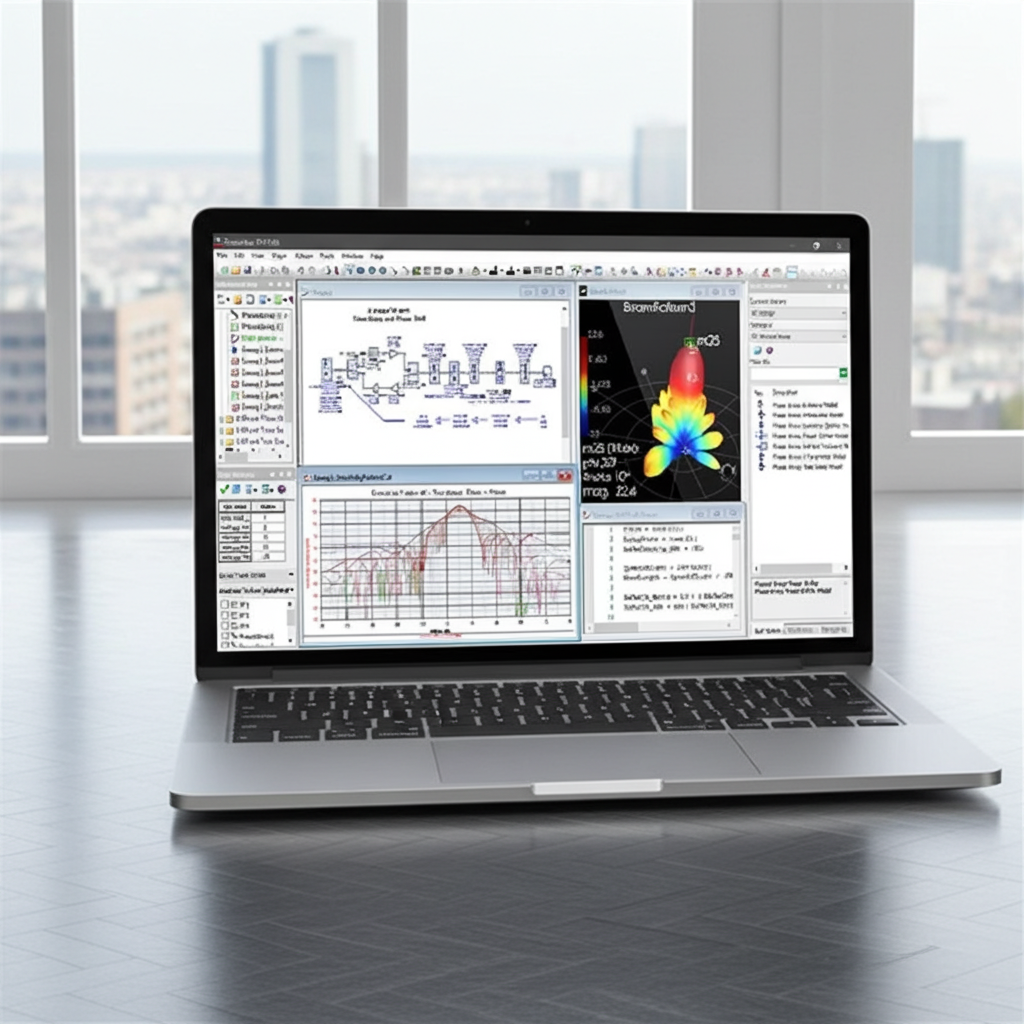
Phased Array Configurations
Phased Array Visualizer, Geometries, Tapering and Element Patterns
FREE
0 hr 42 min
auto-registration
Lab: Modeling the Antenna Elements
Compare realistic antenna models to an isotropic model using taper plots, phi cut directivity graphs, and 3D far-field patterns.
FREE
1 hr 30 min
auto-registration Hands on lab
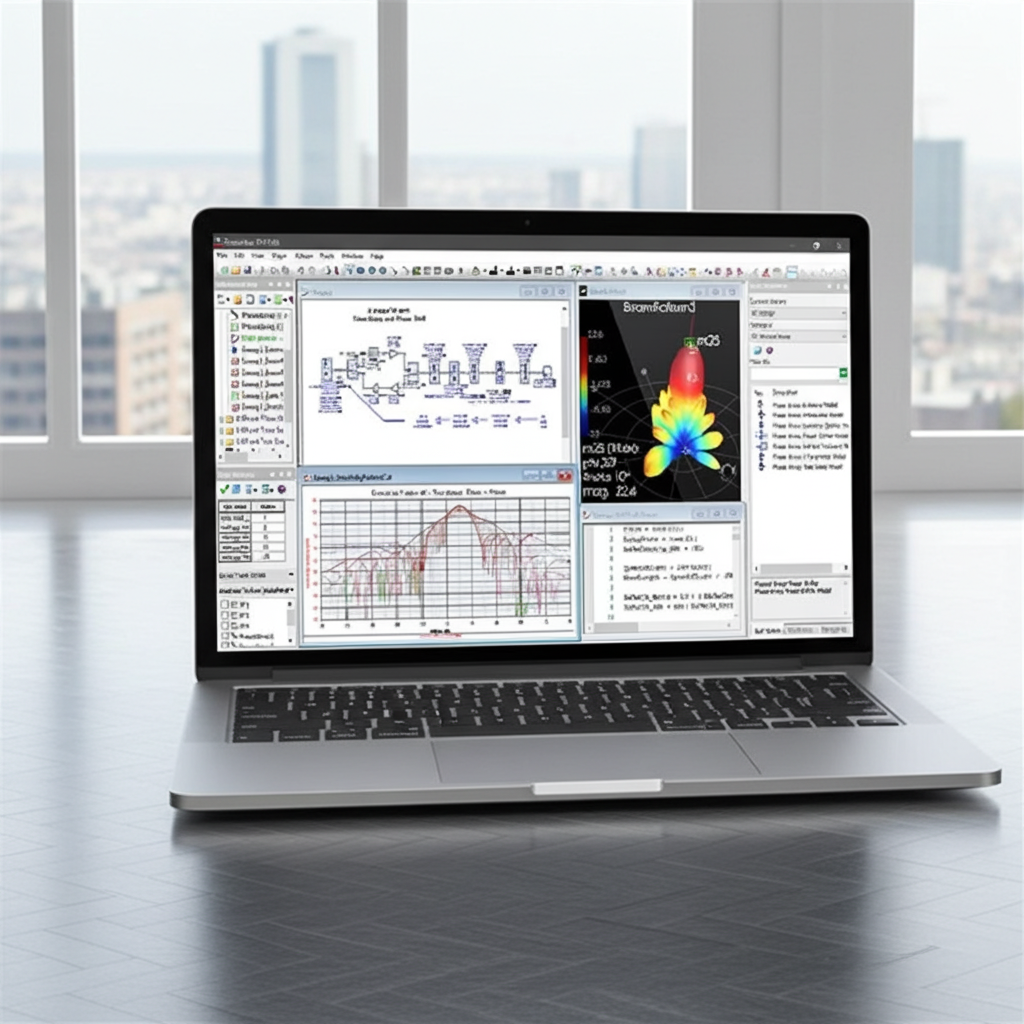
Lab: Effects of Non-Linearities
Evaluate how compression, AM-to-PM, saturation affects the performance of the design
FREE
1 hr 0 min
auto-registration Hands on lab Certificate Eligible
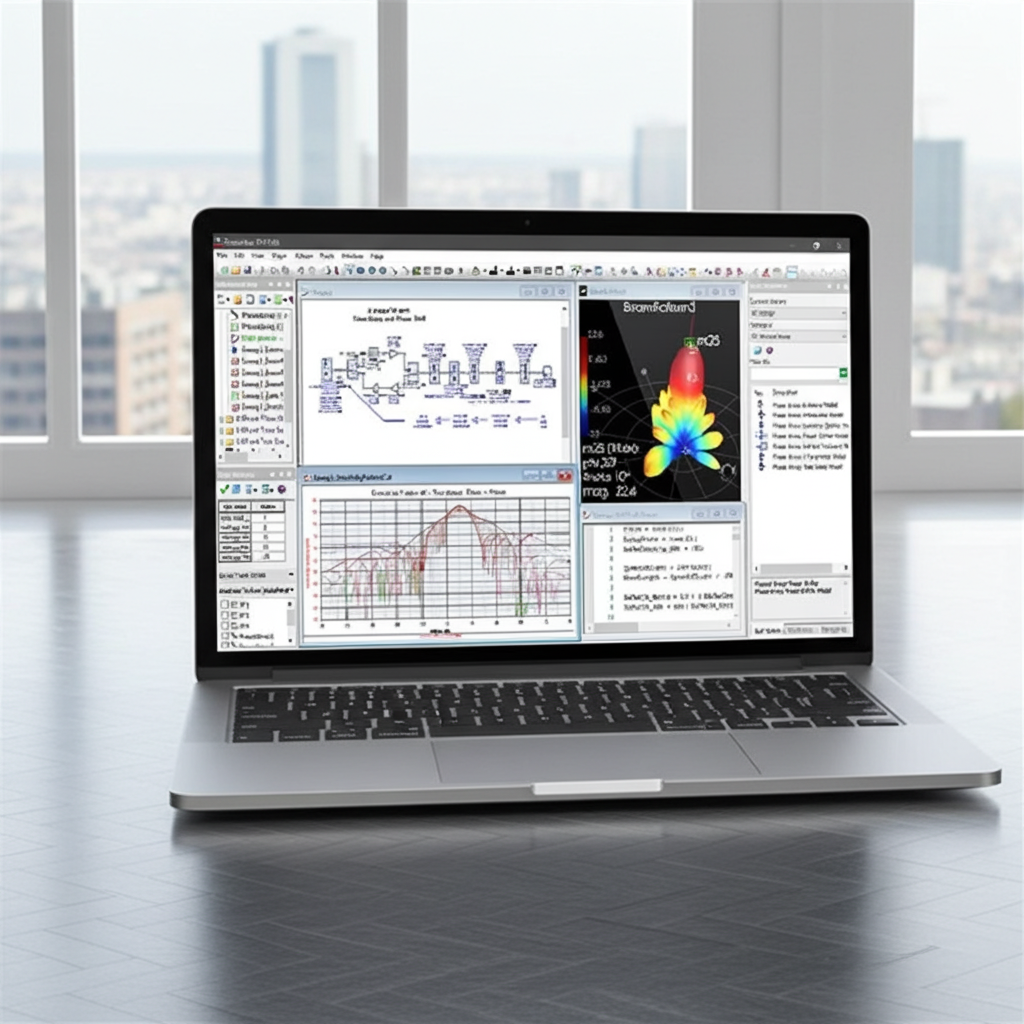
Lab: Active Loading of the Antenna
Evaluate how active loading affects the performance of the design
FREE
0 hr 45 min
auto-registration Hands on lab
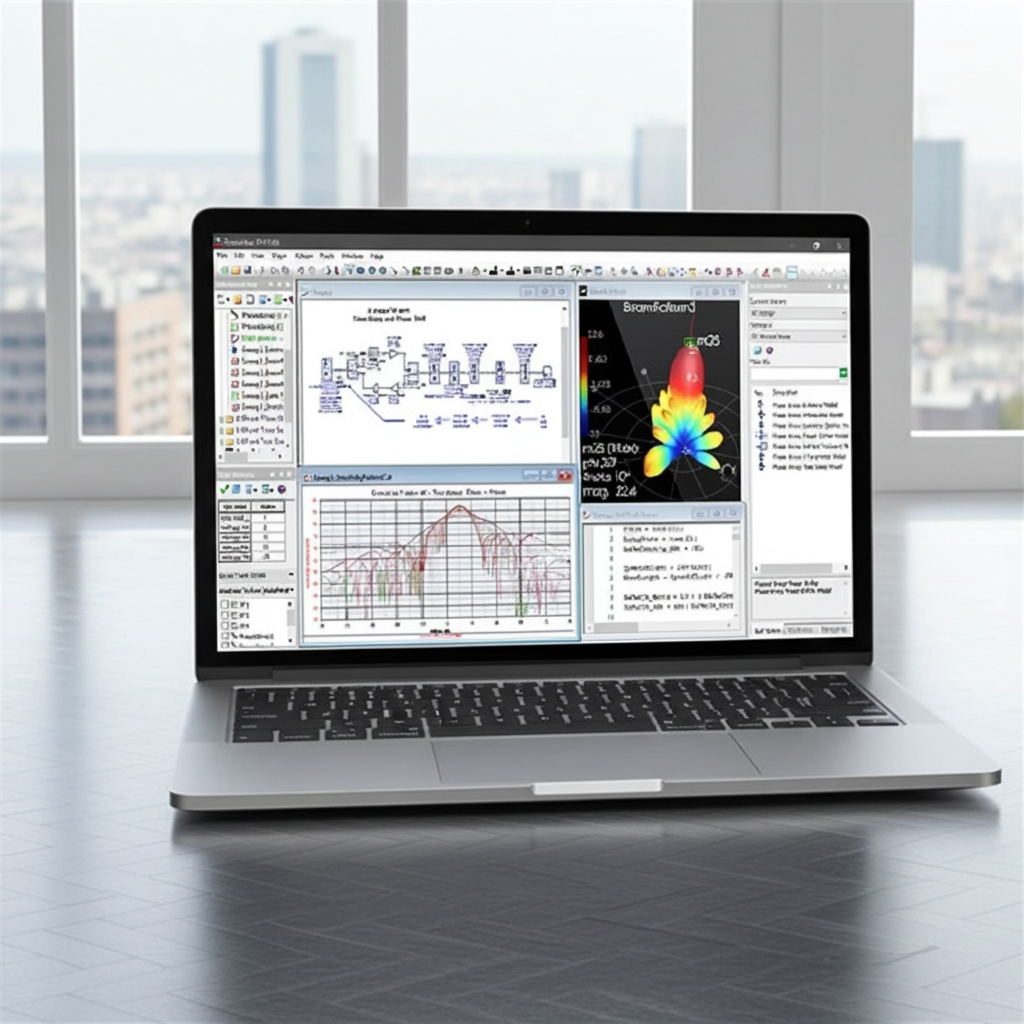
Modelling Phased Array Impairments
Errors and Element Failures, Non-Linearities and Quantization
FREE
0 hr 48 min
auto-registration
Lab: Exploring Impacts if Errors and Quantization
This lab explores how phase shift errors, attenuator errors and gain quantization affect an 8x8 phased array receiver's performance.
FREE
1 hr 30 min
auto-registration Hands on lab
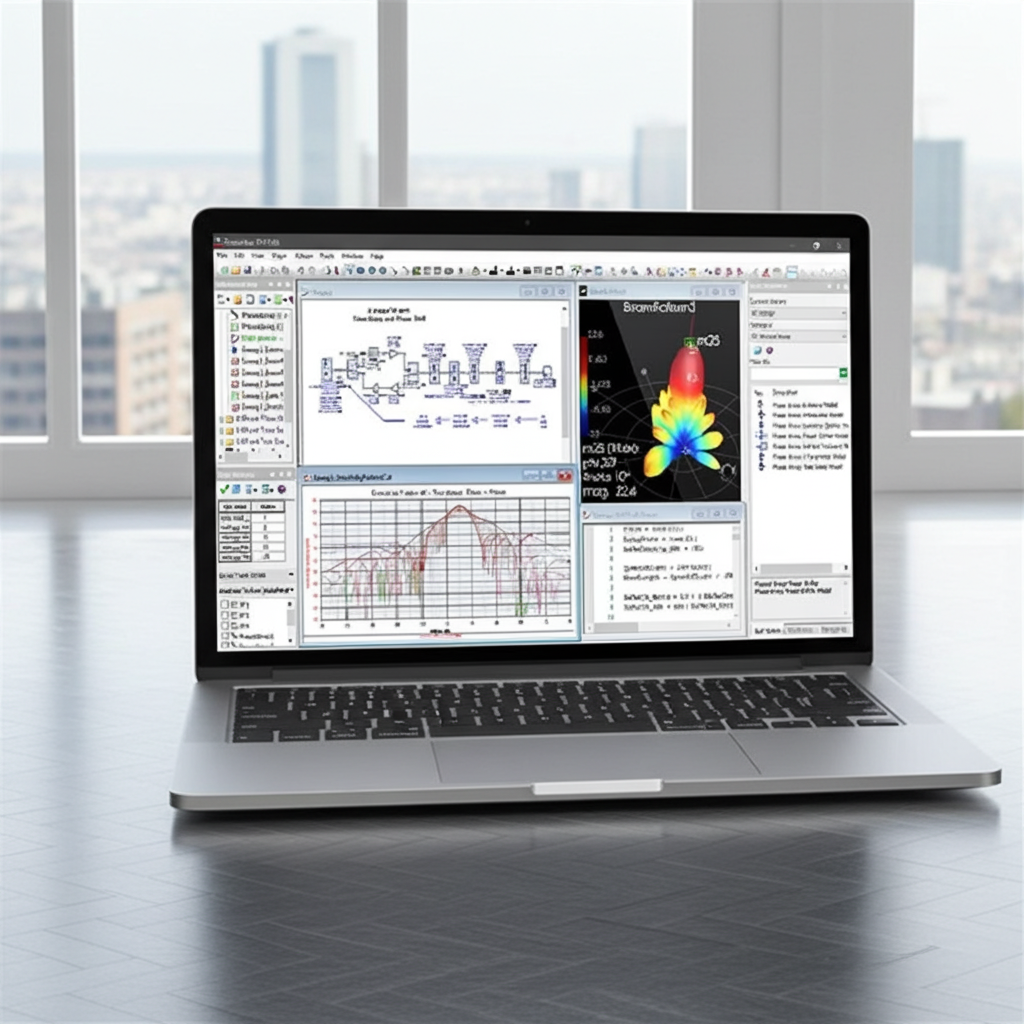
Lab: Monte Carlo Evaluation on Element Failures
You'll set up a Monte Carlo evaluation to analyze how random element failures impact the final beam shape.
FREE
0 hr 45 min
auto-registration Hands on lab
Ready to Get Started?

CONTACT SALES