
- Introduction to ADS Architecture
-
Workspace, Library, Technology Files 0 hr 8 min
-
Layout Window 0 hr 2 min
-
Hot Keys for Hot Commands 0 hr 2 min
-
Library Layer Preferences 0 hr 4 min
-
Workspace Preferences 0 hr 2 min
-
Lab 1: Workspace, library creation and technology files 2 hr 0 min
-
Knowledge Check 0 hr 8 min
- Layout Basics
-
Shapes vs Components 0 hr 4 min
-
Snap Modes 0 hr 6 min
-
Insert Commands 0 hr 4 min
-
Select Commands 0 hr 2 min
-
Select Filters 0 hr 2 min
-
Edit Commands 0 hr 16 min
-
Lab 2: Snap Modes, Placement, Editing Booleans 2 hr 30 min
-
Knowledge Check 0 hr 6 min
- Interconnect Design
-
Using Design Kits 0 hr 6 min
-
Physical and Nodal Connectivity 0 hr 10 min
-
Trace / Path Routing 0 hr 6 min
-
Lab 3A: Component Interconnect Creation and Editing 1 hr 30 min
-
Automatic Via Stitching 0 hr 2 min
-
Lab 3B: Automatic Via Stitching 1 hr 0 min
-
Knowledge Check 0 hr 4 min
- Layout Low-Noise Amplifier
-
1 GHz LNA Schematic 0 hr 4 min
-
Manual Placement from Schematic 0 hr 2 min
-
Lab 4A: Manual Placement from Schematic 1 hr 0 min
-
Automatic Layout Generation 0 hr 2 min
-
Connect Components with Traces 0 hr 2 min
-
Create Ground Planes 0 hr 4 min
-
Lab 4B: LNA Layout and Interconnect 2 hr 30 min
-
Knowledge Check 0 hr 4 min
- Summary and Next Step
-
Claim your certificate
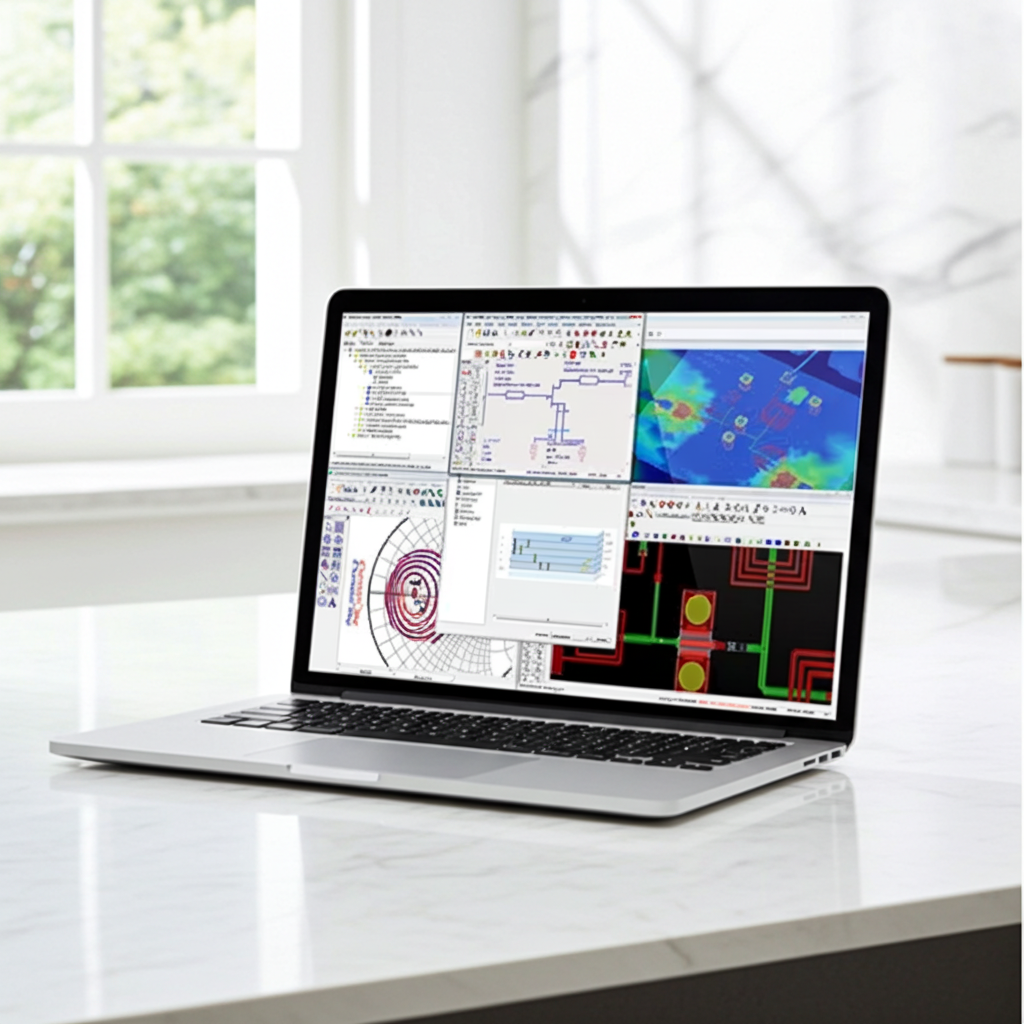
ADS Layout Fundamentals
Course 2 of 3 in Get Started with ADS and RFPro
Introduction to ADS architecture, layout basics, Interconnect design, LNA layout
Register for the learning path to register for this course
+ Learning Objectives
This course will give you an overview of the fundamentals of needed to work with layouts inside of ADS. At the end of this course, you should be familiar with
- Introduction to ADS Architecture
- Workspace, libraries and technologies files
- Lab 1: Workspace, library creation and technology files
- Layout Basics
- Snap modes, shapes, components, placement, and editing
- Lab 2: Draw shapes and modify them using built-in functions, snap modes, shortcut keys
- Interconnect Design
- Path/trace routing and editing, automatic via insertion, and edit in place
- Lab 3: Component Interconnect creation and editing
- LNA Layout
- Going from schematic to layout, extracting complex interconnects, RF board co-simulations
- Lab 4: Interconnect Layout of LNA schematic
+ Content Types
- Video Lessons
- Hands-on Labs
- Knowledge Check
+ Who should take this course?
- Design engineers
+ Prerequisites