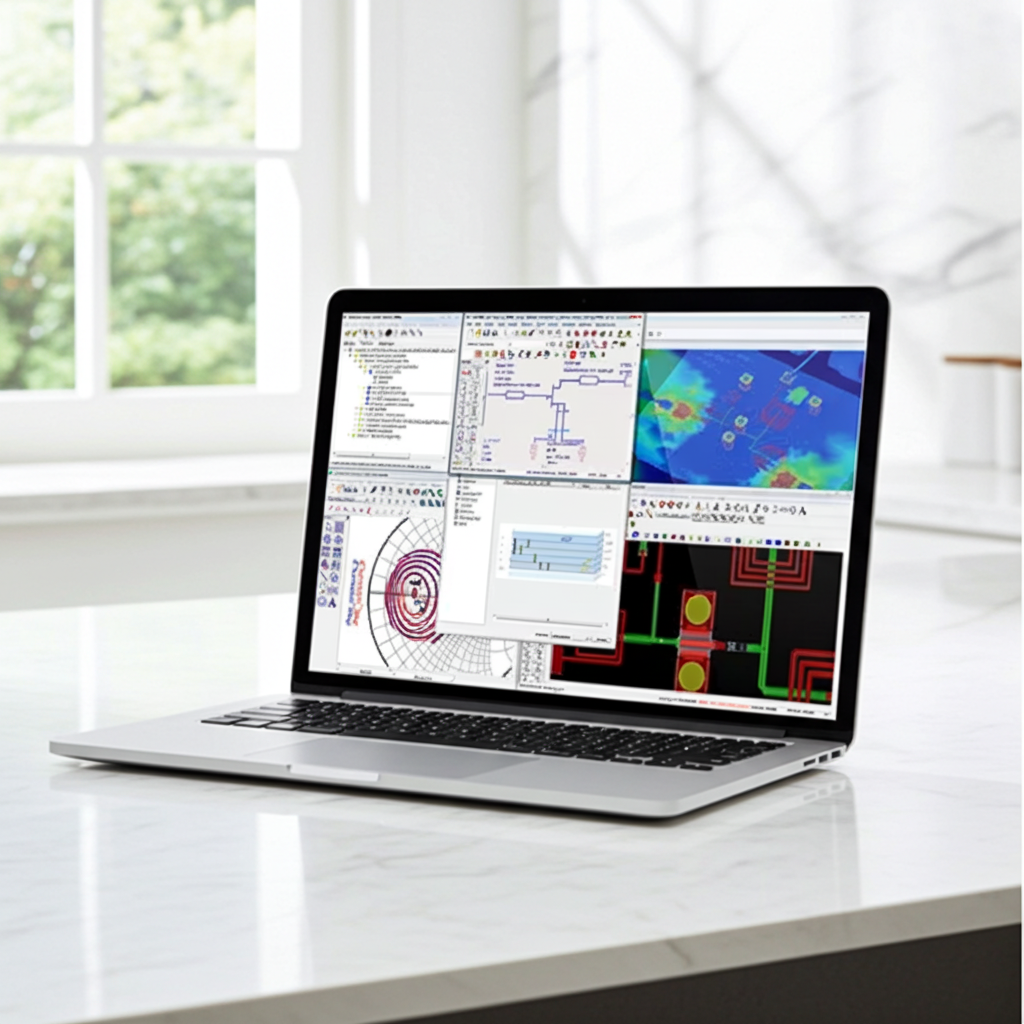
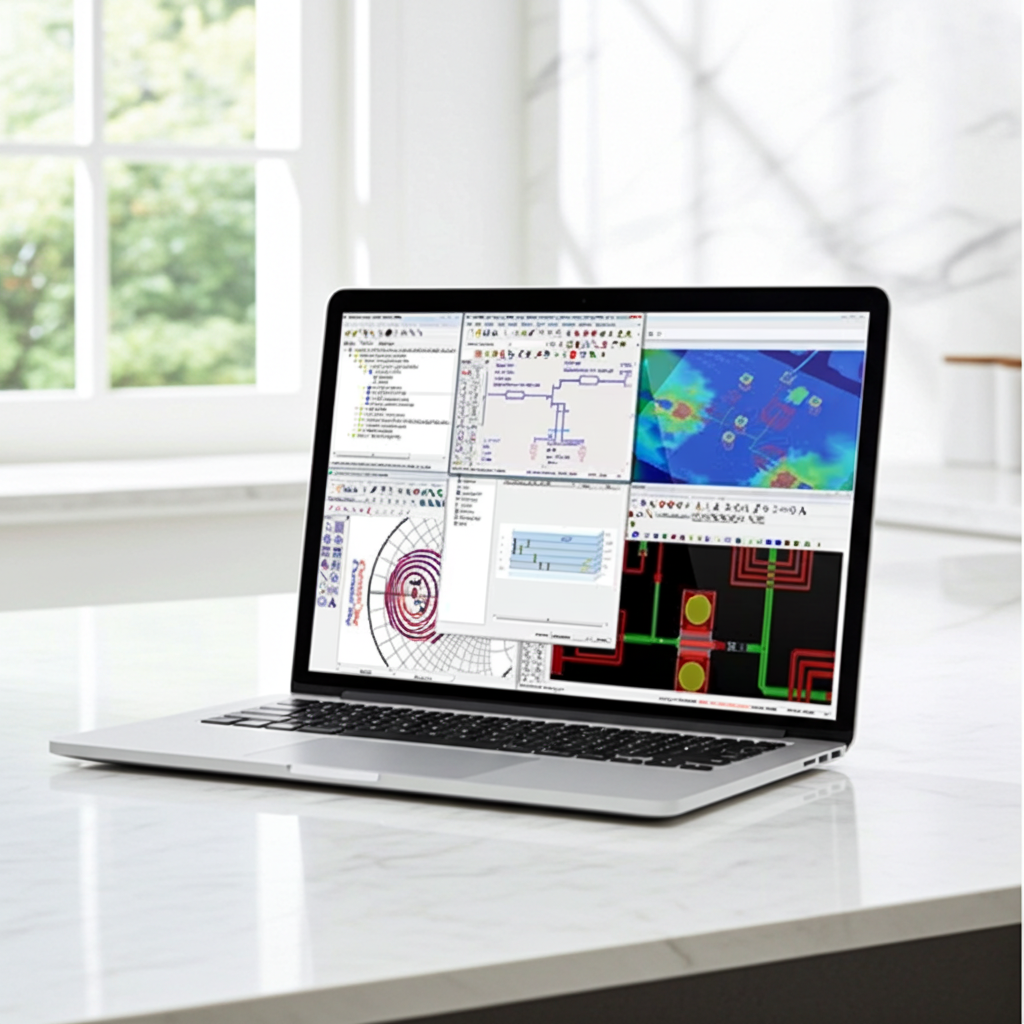
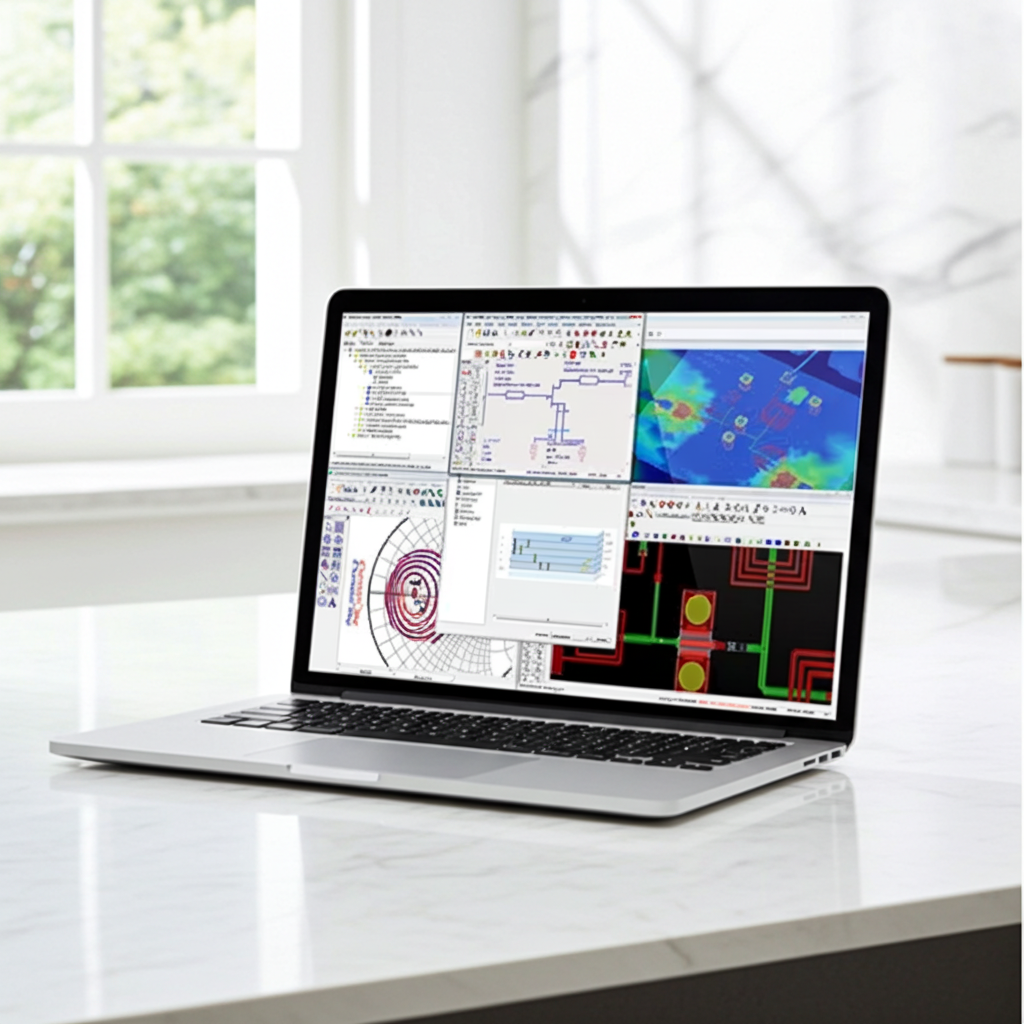
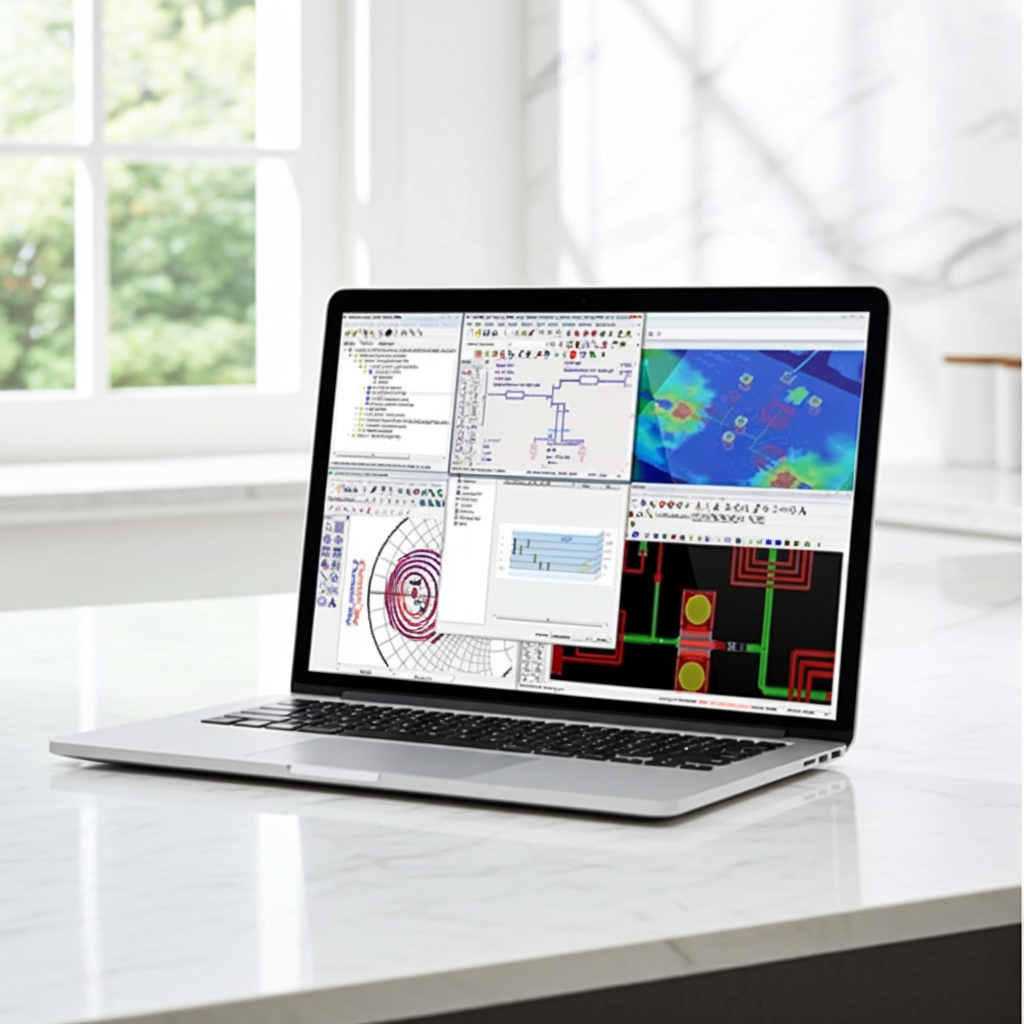
ADS Architecture, Schematics, Data Display
Workspace structure, libraries, schematics, simulation setup and tuning
FREE
0 hr 33 min
auto-registration
Self paced with labs
Advanced Design System
RF or Microwave Design
Lab: Workspaces, Filter Design and Tuning
This lab introduces the core structure of ADS workspaces, libraries, and cells, covering basic design capture, schematic tuning, simulation setup, and data display.
FREE
1 hr 30 min
auto-registration
Hands on lab
Lab: Implementing PDK and Dataset Simulation
This lab covers adding a Process Design Kit (PDK) reference library to your workspace. You will then build a new filter, create a simulation test bench cell, and learn how to manipulate multiple datasets within the data display.
FREE
1 hr 30 min
auto-registration
Hands on lab
Lab: FET Amplifier Design and Linear Analysis
This lab covers FET amplifier schematic and symbol design, DC/AC simulation with bias annotation, noise and frequency analysis, and advanced parameter sweeps using variable equations.
FREE
2 hr 0 min
auto-registration
Hands on lab
Lab: Optimization and Smith Chart Utility
Perform a 50-ohm match optimization on the FET amplifier to learn how to enable component variables for optimization, set up simulation goals, and run the optimizer engine.
FREE
1 hr 0 min
auto-registration
Hands on lab
Lab: RF System and Non-Linear Analysis
This lab walks you through RF system design, single-tone HB simulation, frequency and power sweeps, and amplifier distortion modeling, culminating in the simulation of a real PDK amplifier.
FREE
1 hr 30 min
auto-registration
Hands on lab
Lab: Two-Tone HB and IP3 Simulation
Learn to configure two-tone sources, set up HB simulations, analyze closely spaced tones, and calculate IP3.
FREE
1 hr 0 min
auto-registration
Hands on lab
Lab: Intro to ADS Architecture
This lab introduces the ADS OpenAccess architecture—including workspaces, libraries, cells, cell views, and technology files—and demonstrates how to define and store user preferences for libraries or design kits.
FREE
1 hr 30 min
auto-registration
Hands on lab
Lab: Snap Modes, Placement, Editing Booleans
Learn how to draw and modify shapes with precision using built-in ADS editing tools. For maximum efficiency, master the use of snap modes and essential keyboard shortcuts.
FREE
2 hr 30 min
auto-registration
Hands on lab
Lab: Automatic Via Stitching and Plane Design
Execute multilayer routing using automatic via stitching, construct a ground plane with specified clearances, and connect the GND nodes to the capacitors.
FREE
1 hr 0 min
auto-registration
Hands on lab
Lab: LNA Layout and Interconnect
This lab demonstrates the RF board design flow. You will automatically place components from the schematic to layout a low-noise amplifier, route interconnects, and clear ground planes.
FREE
2 hr 0 min
auto-registration
Hands on lab
Lab: Low-Pass Filter Design
Learn RFPro basics by setting up a low-pass filter layout, running a Momentum EM simulation, and generating an ADS schematic for Circuit-EM cosimulation.
FREE
2 hr 0 min
auto-registration
Hands on lab