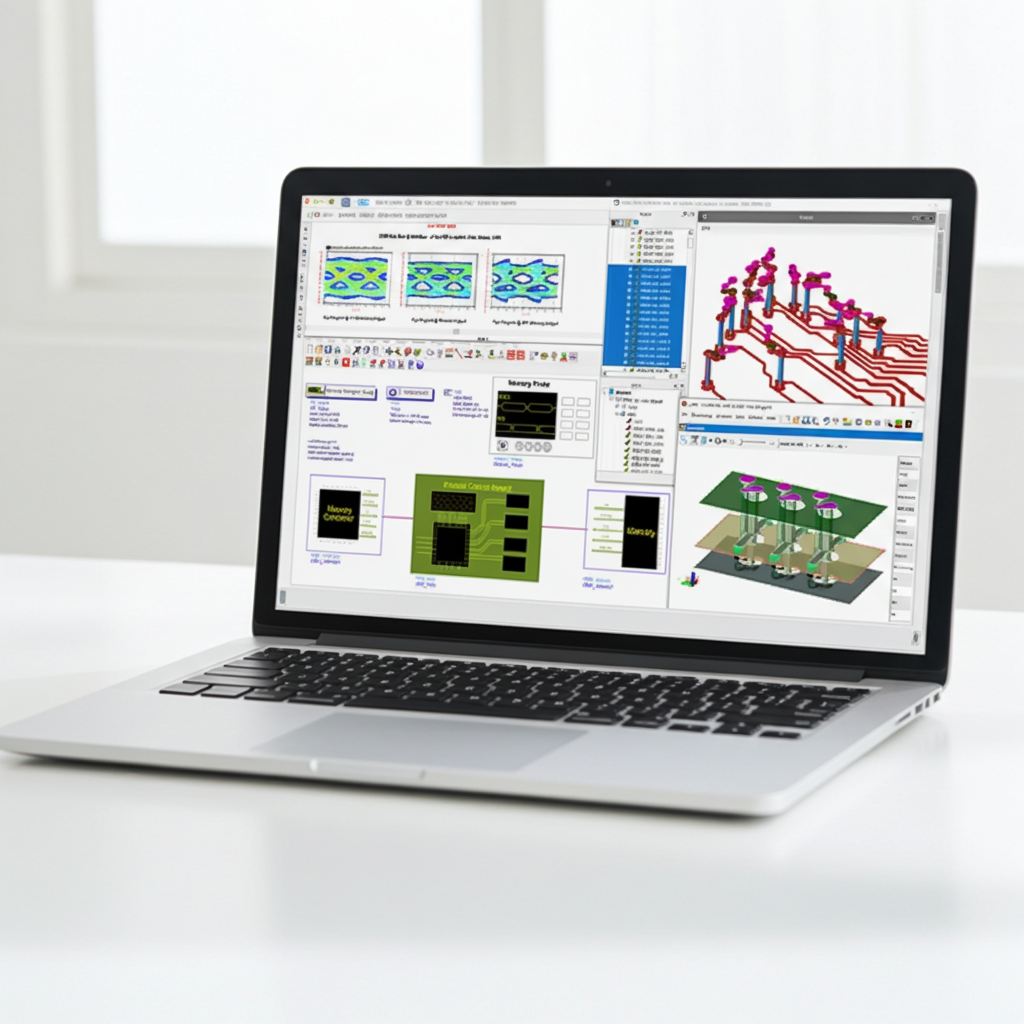
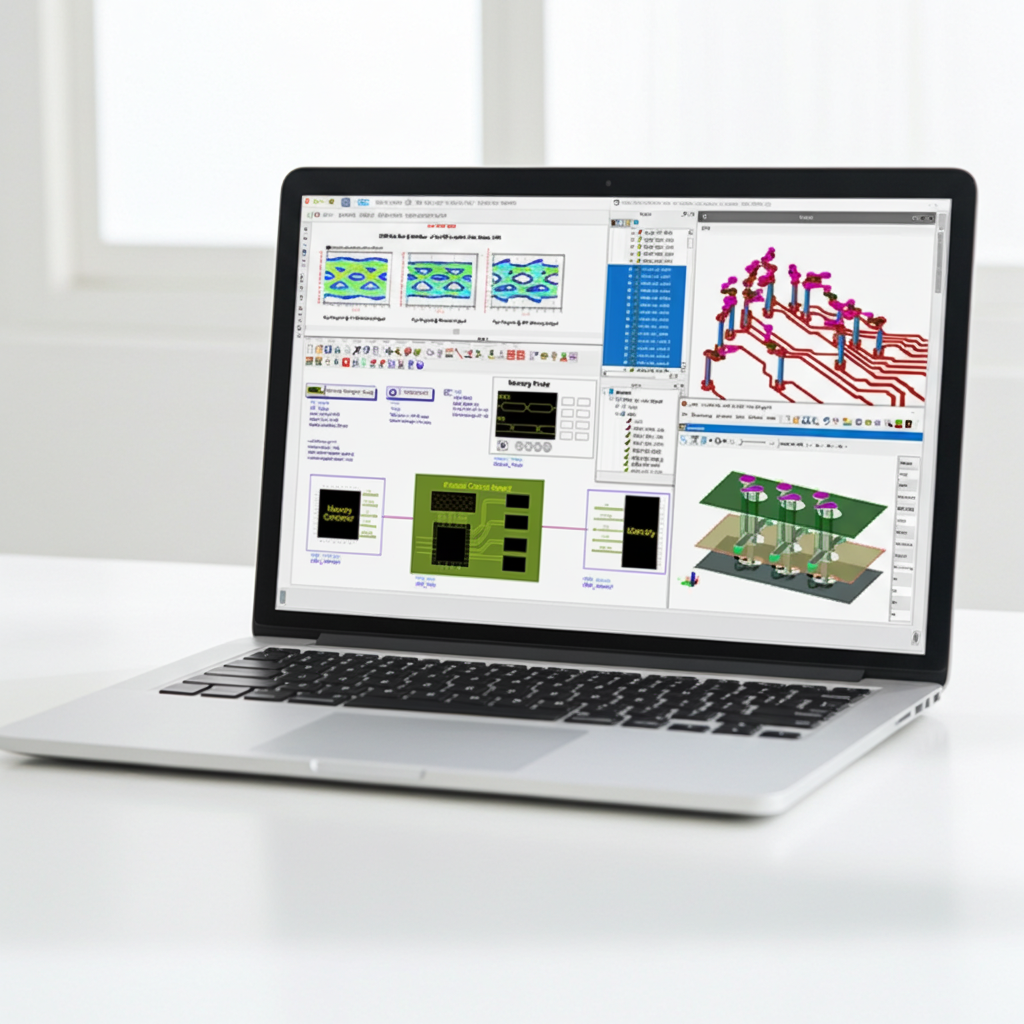
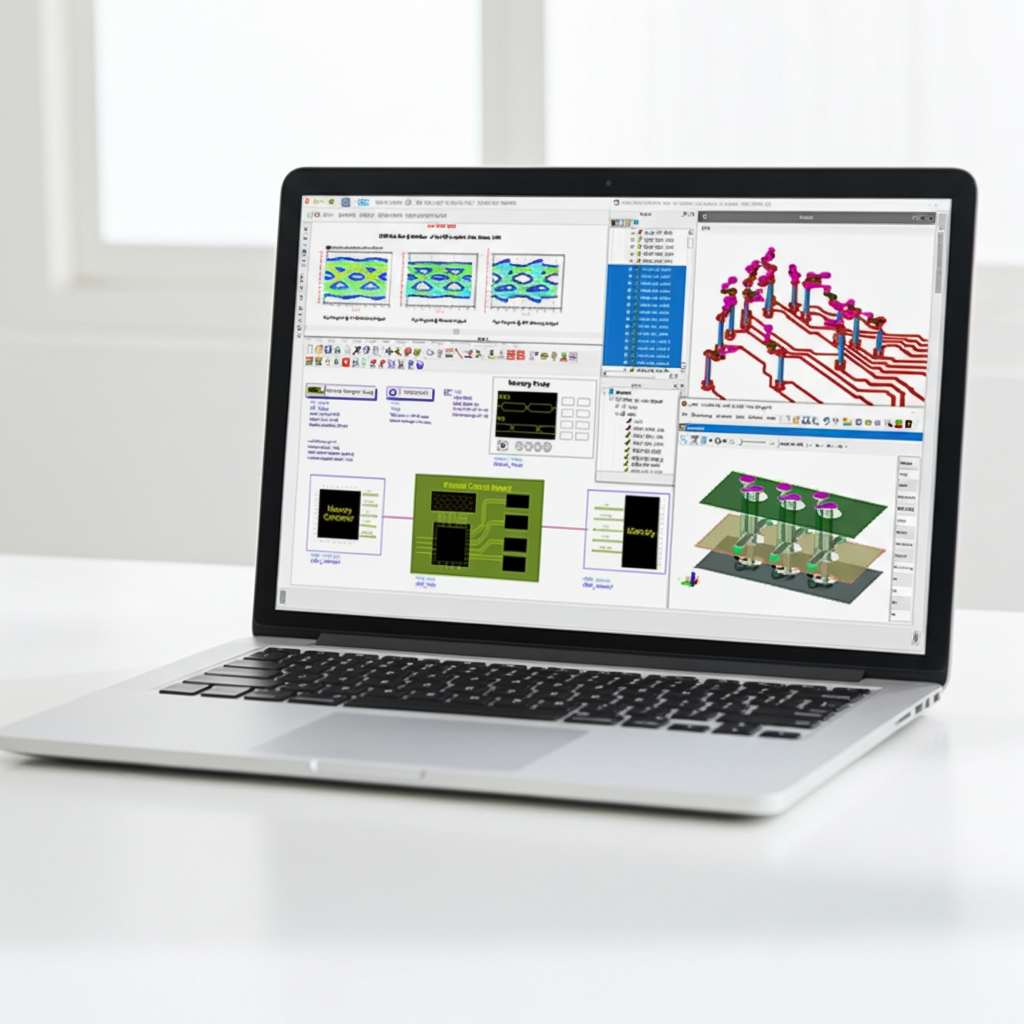
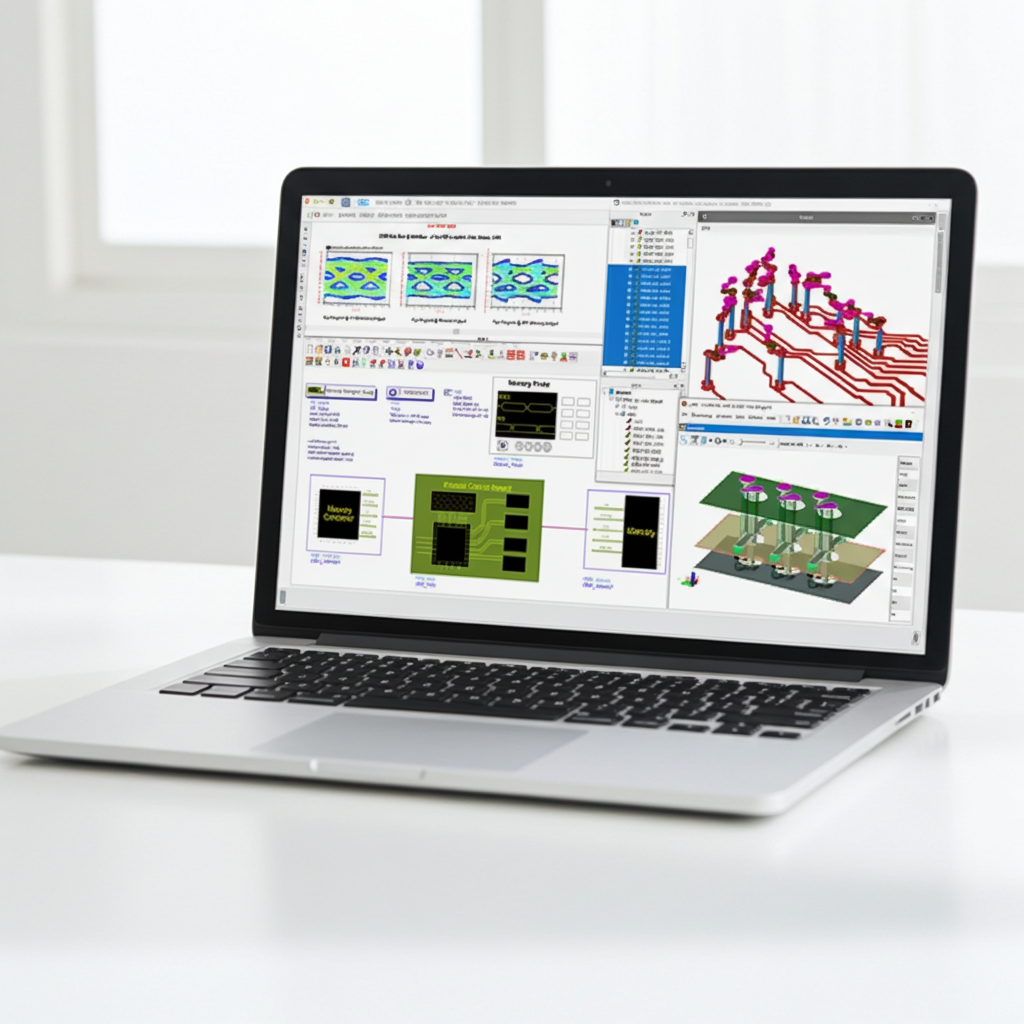
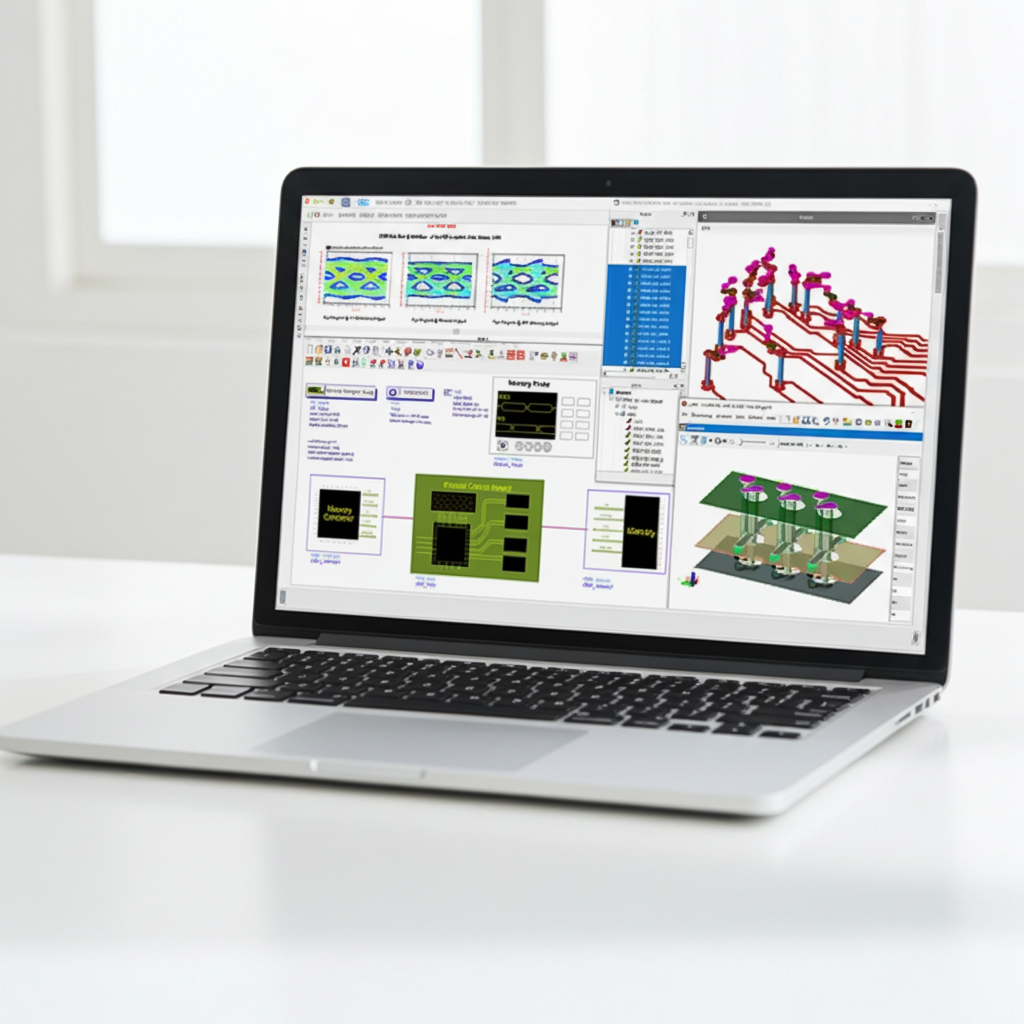
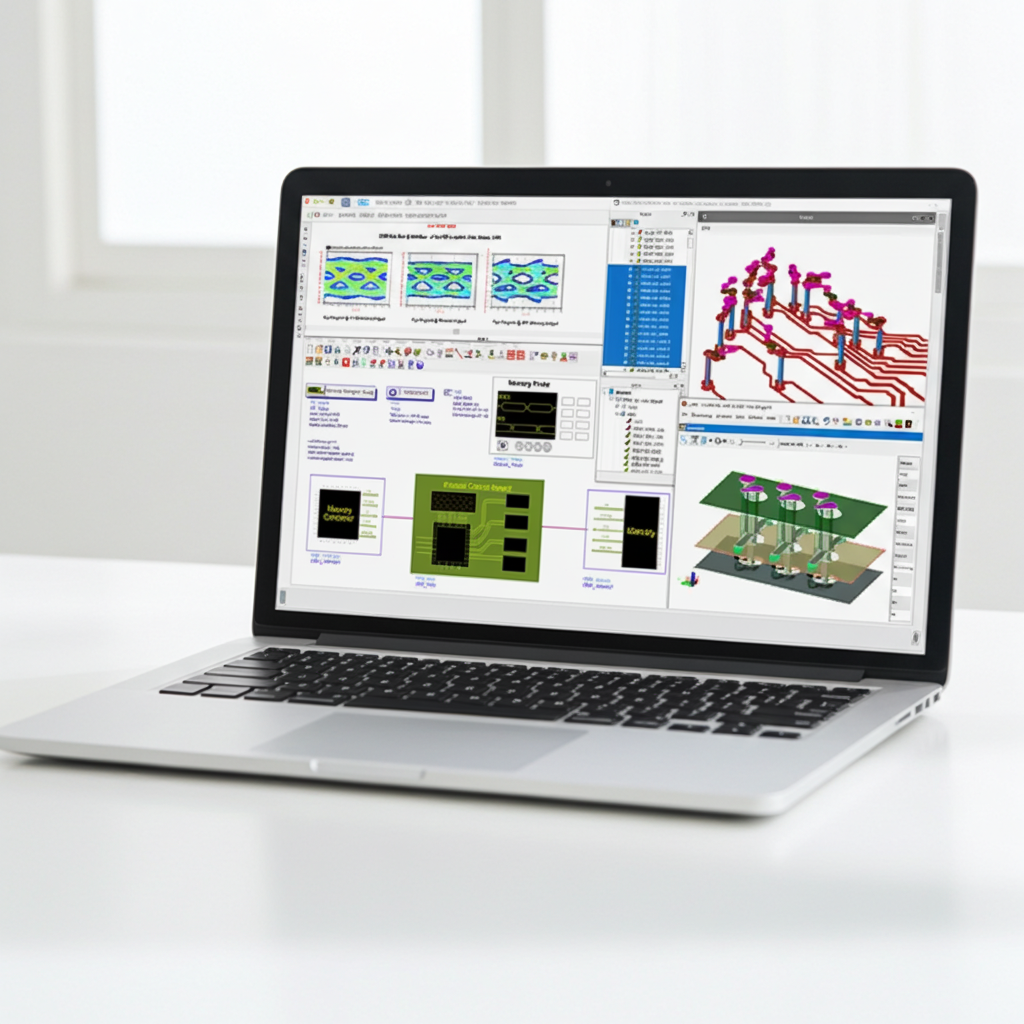
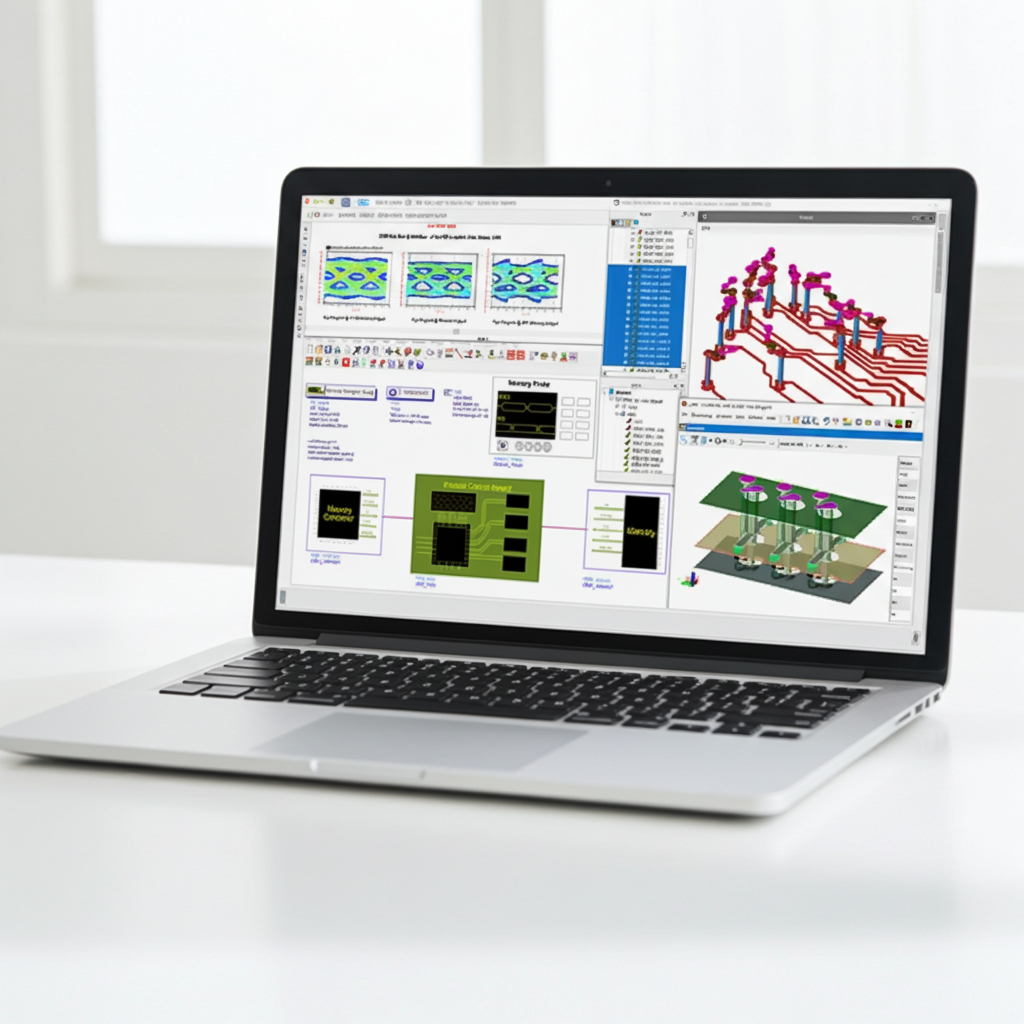
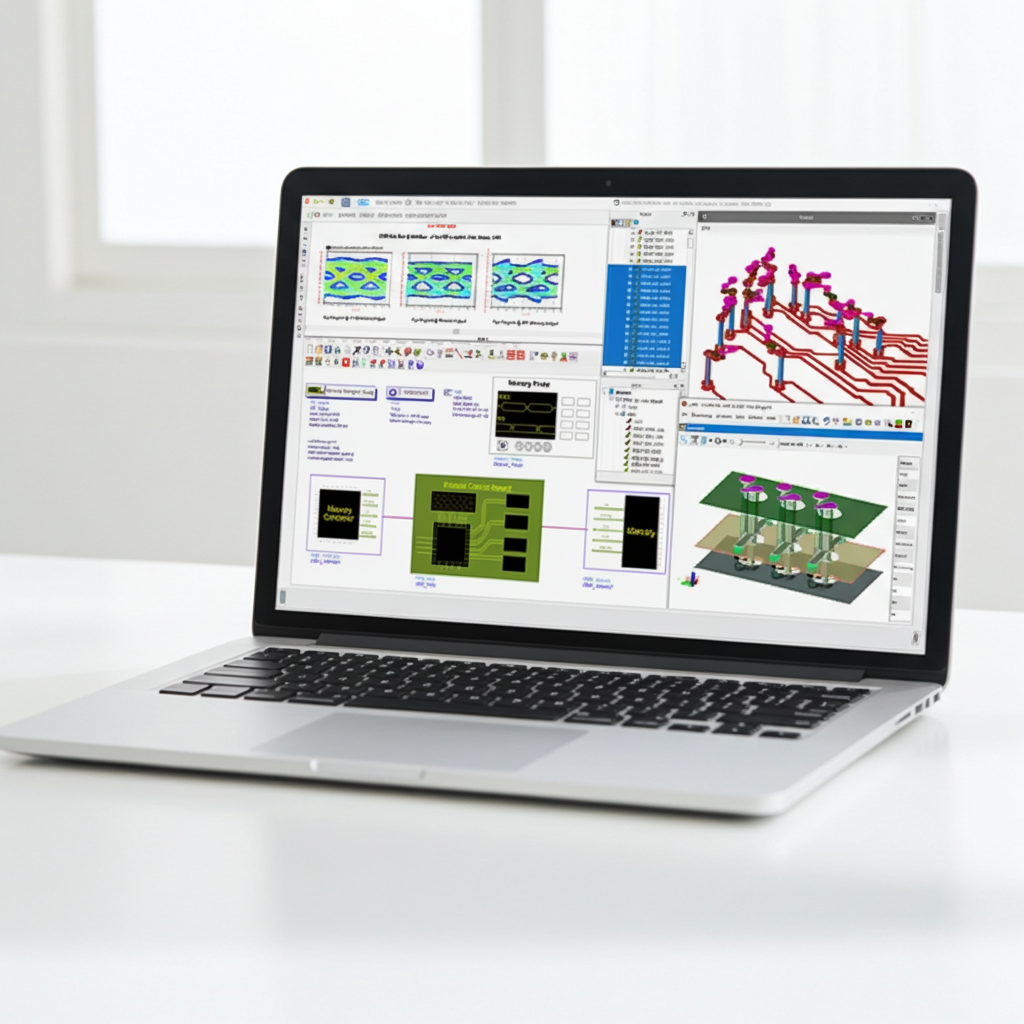
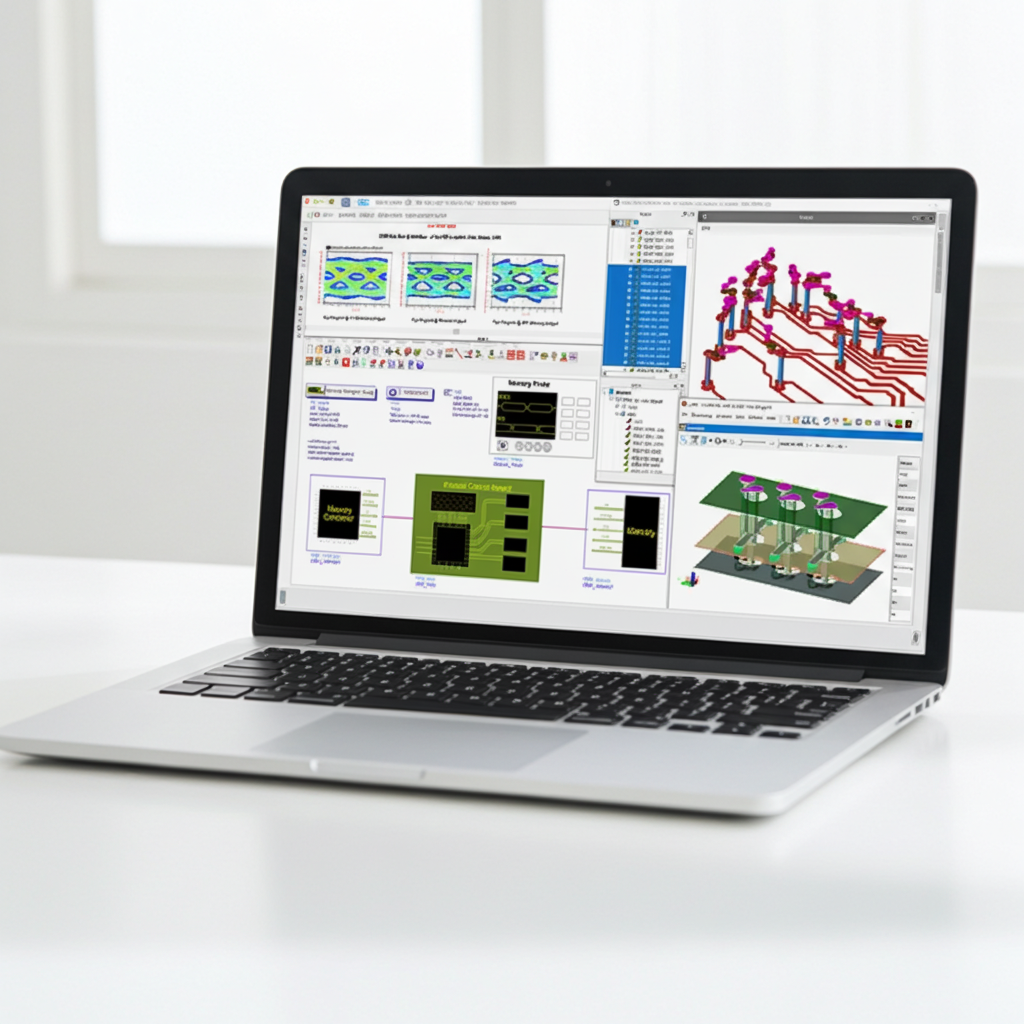
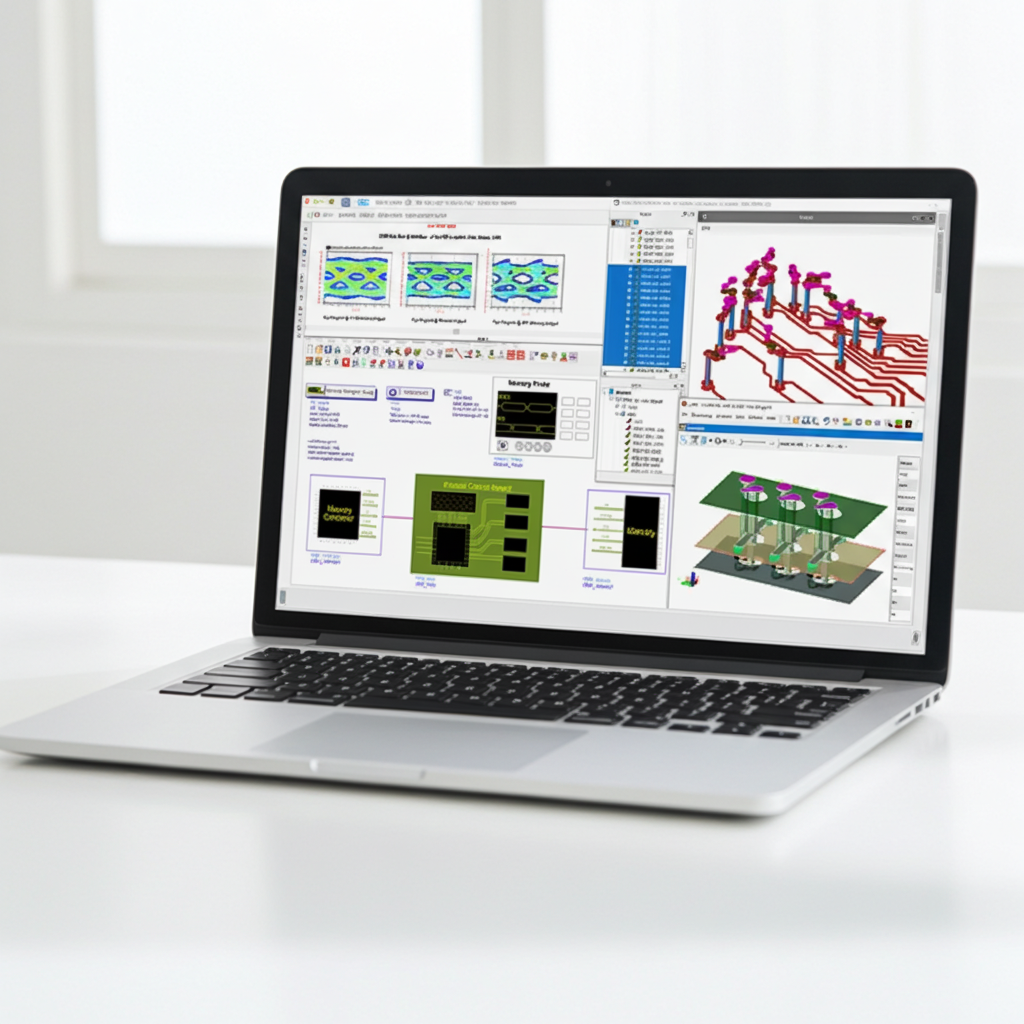
Get Started with High-Speed Digital
For SI/PI/HSD engineers
Upon completion, you will be able to navigate the ADS design environment to execute a full-cycle high-speed design flow - specifically:
- ADS Fundamentals: Creating workspaces, schematics and layouts, and performing simulations.
- Pre-Layout Design Flow: This refers to doing analyses to determine things like optimal substrate stack, trace width and spacing, and proper via construction to ensure signal integrity.
- Post-Layout Design Flow: Post-layout design refers to analyzing the actual layout to help ensure that it will perform as expected prior to manufacturing.
Designers interested in understanding how to design pre-layout with ADS, to use Channel Simulation, IBIS-AMI models, to import board from other PCB tools and to analyze in ADS in post-layout phase with electromagnetic models (EM model).
ADS Circuit Simulation and Layout
- The fundamentals of creating workspaces, schematics and layouts.
- Performing S-parameter (frequency domain) simulation
- Transient/Convolution (time domain) simulations.
Pre-Layout Analysis and Channel Simulation
- Use CILD and Via Designer to design line and via structures for specific substrate stack-ups. The tools produce models that when put together model a channel.
- We will explore combining the models to create, simulate, and analyze an entire channel from transmitter to receiver. We will learn about channel simulation, IBIS and IBIS-AMI models for transmitters and receivers, analyzing eye diagrams in the ADS data display and Keysight measurement software.
SIPro/ PIPro/ Electrothermal
- Post-layout flow that are common to SIPro and PIPro
- SIPro EM Simulation of interconnects, or nets, in the layout. That is, the steps necessary to identify and simulate the nets, and view the S-Parameters and TDR and TDT of the nets.
- Discuss using the results of the SIPro simulation to create a model for the nets that can be used in an ADS schematic for simulation.
- PIPro setup and simulation.
ADS Circuit Simulation and Layout
- Lab 1: Simulate circuit and display data, create ten-stage LC ladder network using a subcircuit, add losses to the LC transmission line model, simulate a distributed microstrip line.
- Lab 2: Setup transient simulation, compare dispersive (non-TEM) to non-dispersive (TEM) transmission lines, discontinuities in signal interconnects.
- Lab 3: Standard ADS layer definition, basic layout manipulation, creating custom layers, basic routing and editing Interconnects, non-orthogonal Interconnects.
Pre-Layout Analysis and Channel Simulation
- Lab 1: Design a differential pair on different layer with CILD & design differential vias with via designer.
- Lab 2: Construct and simulate a high-speed channel to evaluate the impact of backdrilled versus non-backdrilled vias, optimize the channel performance, channel simulation with IBIS-AMI model.
- Lab 3: Evaluate the channel performance using two distinct configurations: a generic TX paired with an IBIS-AMI RX, and an IBIS-AMI TX paired with a generic RX.
- Lab 4: Create a channel and drive a 56 Gbps PAM4 TX with a PAM4 RX using IBIS-AMI models.
SIPro/PIPro Flow, Power-Aware SI Analysis
- Lab 1: Import ODB++ layout with technology, investigate the imported layout, Net-based connectivity mode
- Lab 2: Inspect SIPro/PIPro window elements, setup an SI analysis of a signal interconnect, run SIPro simulation of an interconnect and inspect results, Net identification and layer visibility.
- Lab 3: Create power-aware SI analysis, create ports for signal line, create power net ports, create component models, run the power-aware signal integrity analysis, generate subcircuit, simulate channel.
PIPro DC IR Drop Analysis, PIPro AC Impedance Analysis
- Lab 4: Setup PIPro DC analysis (IR drop), run PIPro DC analysis, inspect results, test bench and subcircuit generation.
- Lab 5: Convert DC analysis to AC analysis, run AC analysis and inspect impedance plots, optimize decoupling capacitor BOM.
Thermal/Electrothermal Analysis
- Lab 6: Define thermal substrate properties, setup a thermal analysis, inspect the thermal analysis results, perform the DC simulation, perform an electrothermal analysis.